Text Editor for Programming, which is one best for programmer? One of the most common and regularly asking question to me.
Which text editor is good for PHP developer, sir which text editor do you use for your Laravel developing projects, may I know which text editor do you use to work on your reactjs works? These are very common question from beginner.
Today I am going sort best 18 Text editor for programming. Hope this list will provide your answer on Best text editor related questions. And yea, most of them are open source, means available for free.
Best Text Editor for Programming
- Sublime Text
- Text Wrangler
- TextMate
- Crimson Editor
- jEdit
- Komodo Edit
- Micro
- Notepad++
- SubEthaEdit
- UltraEdit
- Vim
- Visual Studio Code
- Araneae
- Atom
- ATPad
- Brackets
- Coda
- CoffeeCup
SUBLIME TEXT
Sublime Text is one of most popular and lightweight text editor. It is my favorite editor. I use sublime text editor for my all projects. It provides powerful IDE features along with python scripting. You can improve your coding productivity using some free extensions. But remember that it will take time to open big files.
[caption id=“attachment_4797” align=“aligncenter” width=“705”]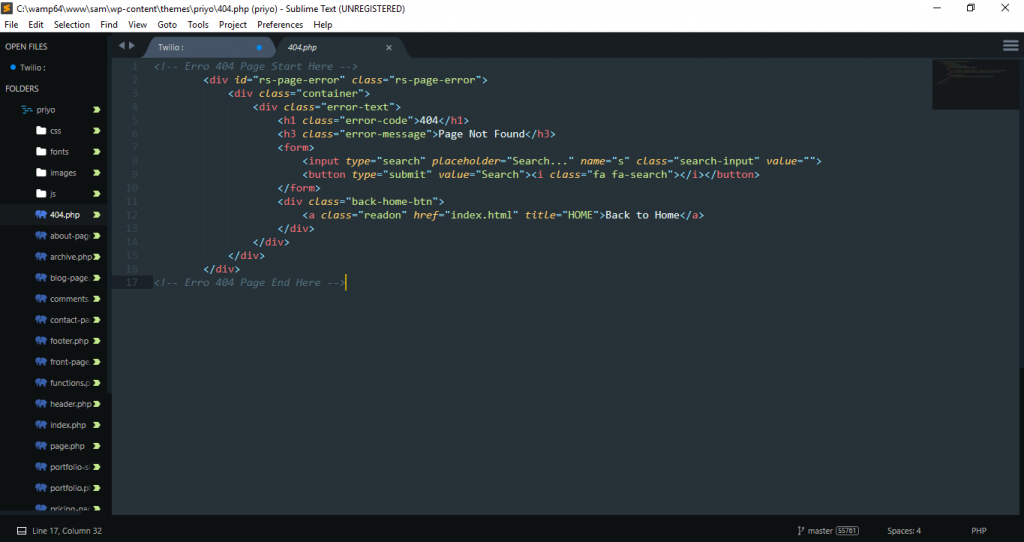 Sublime Text[/caption]
Features:
- Easy to understand and beginner friendly interface.
- Instantly switching file
- 100% customization
- Cross platform support
- Very fast syntax detection
TEXT WRANGLER
Text Wrangler is a IOS base text editor and it only available in English language. If you work on Server management or Unix system, then Text Wrangler will be best text editor for you. Note that, text wrangler dont support HTTP, WebDAV or collaborative editing.
[caption id=“attachment_4798” align=“aligncenter” width=“594”]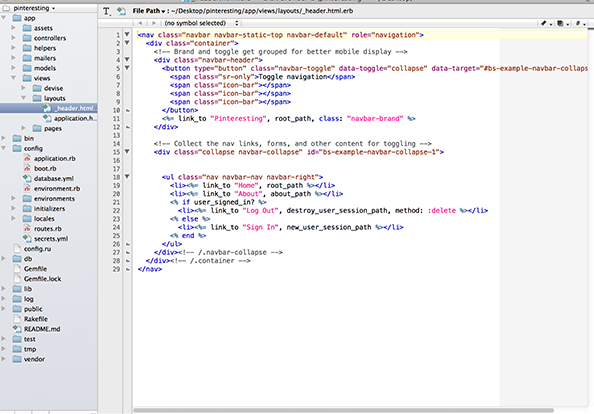 Text Wrangler[/caption]
Features:
- Support big file executions.
- Support secure FTP and SSH
- Macros and plugins support available
- Code folding and auto completion
- Simultaneously compare two docs
TEXTMATE
If you are a Mac user, then definitely you know Text mate editor. Text mate is one of most popular text editor for Ruby and ruby on rails programmer. I dont like text mate because of its outdated user interface and also you cant work on full screen mode using text mate editor.
[caption id=“attachment_4799” align=“aligncenter” width=“693”]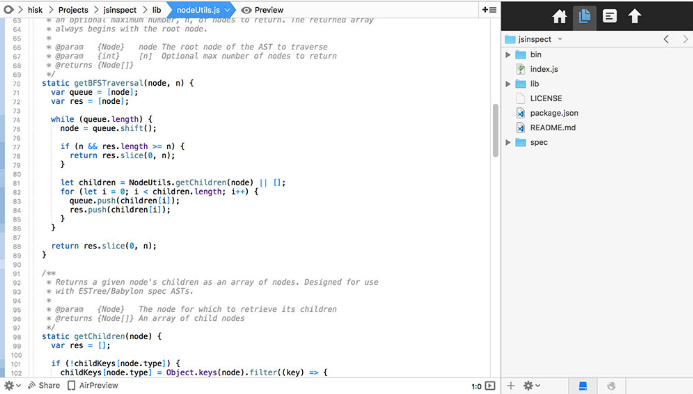 TextMate[/caption]
Features:
- Awesome auto indentation and completion system
- Clipboard history, search and replace options
- Supports 50+ programming language like ruby, php etc.
- Supports Perforce, FTP, Xcode and Foldable Code Blocks
- Supports Darcs, SVK, and Subversion
- Supports syntax highlight and coloring
CRIMSON EDITOR
Crimson Editor is a free text editor for windows Os. Basically it used to edit HTML code. You can use macros in Crimson Editor and it also supports some basic date and mathematics functions.
[caption id=“attachment_4800” align=“aligncenter” width=“646”]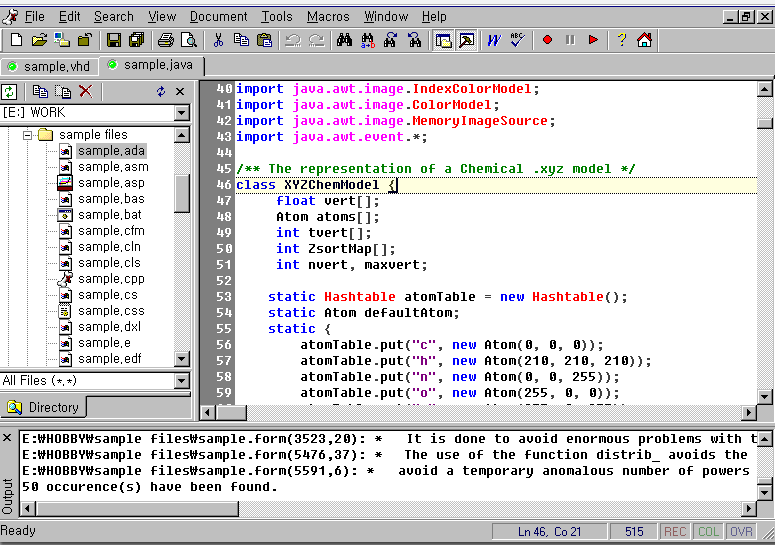 Crimson Editor[/caption]
Features:
- Support column mode editing and auto indentation
- Syntax highlight
- Direct text file editing in FTP
- Windows shell interface
JEDIT
jEdit is a free text editor for programming, create using Java. You can jEdit editor on any operating system which support Java, such as BSD, Linux, macOS, and Windows. jEdit support a lot of plugins and macros. But as it is very heavy editor, it will take time to load.
[caption id=“attachment_4801” align=“aligncenter” width=“693”]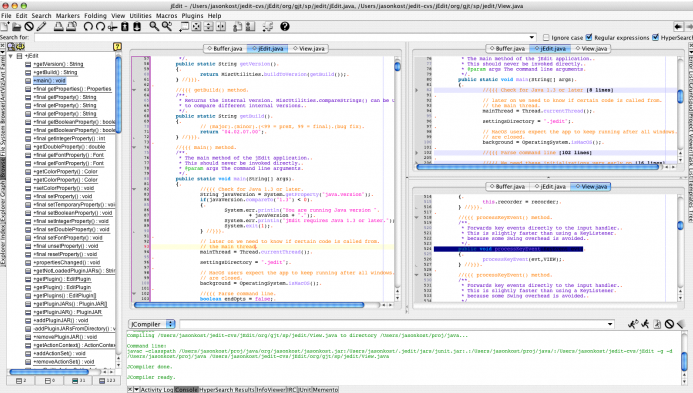 jEdit[/caption]
Features:
- Support text and code folding
- Compiler integration
- Regular expressions implemented
- Ft browser and auto indentation.
- Run multiple instance at a time.
KOMODO EDIT
Komodo Edit is a open source text editor develop by ActiveState Software Inc. It is very popular text editor for dynamic programming language. Komodo Edit has been written in C++, C, XUL, Perl, Python, JavaScript, Tcl. Personally I used Komodo Editor for while and its really a nice text editor.
[caption id=“attachment_4802” align=“aligncenter” width=“653”]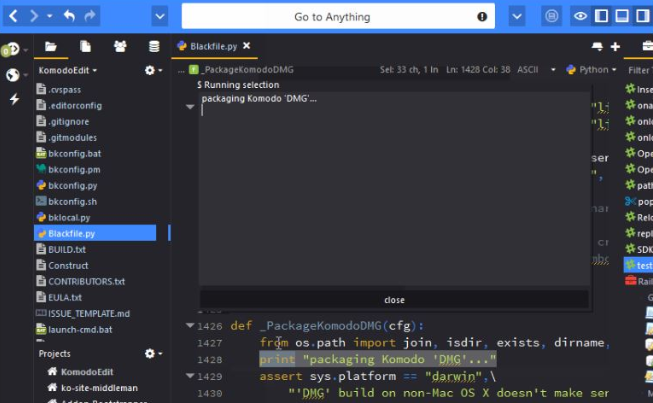 Komodo Edit[/caption]
Features:
- Code Indentation and auto completion
- Syntax highlight and code coloring
- Macros and extensions support
- Custom IDE plugins available
MICRO
Micro is a Open source, lightweight and terminal based text editor for the console. Micro text editor supports Linux, MacOS, BSD, Windows, ARM Linux platforms.
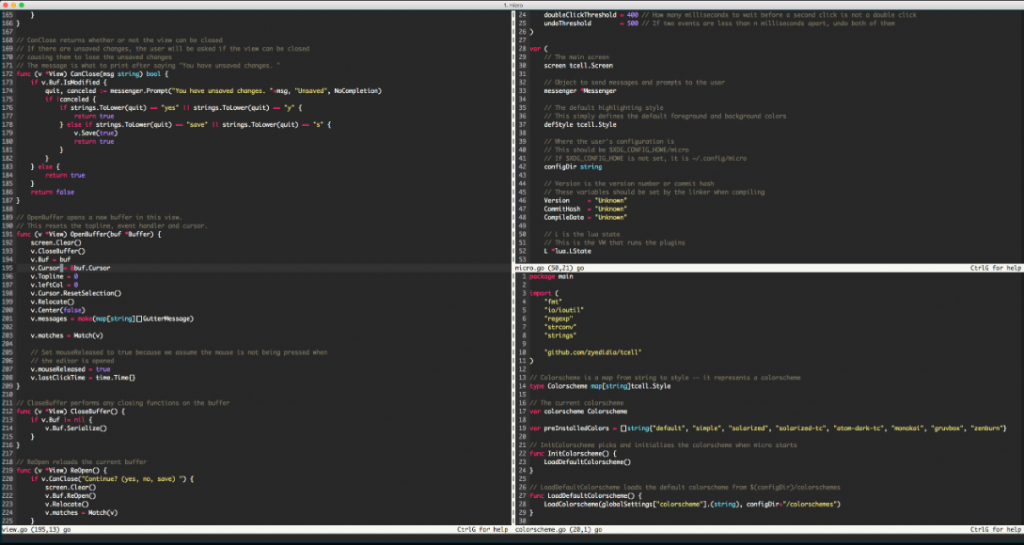
Features:
- Very lightweight, just 3 Mb file size.
- Easy to use and install text editor
- Support snippet and plugins
- Split screen options
NOTEPAD++
Notepad++ is a free open source text editor available for Windows operating system. Also it is one of the most popular text editor for beginner. Notepad++ has been written in C++. Personally I dont use Notepad++, because it dont fulfill my needs. Also I need like its interface as well.
[caption id=“attachment_4804” align=“aligncenter” width=“621”]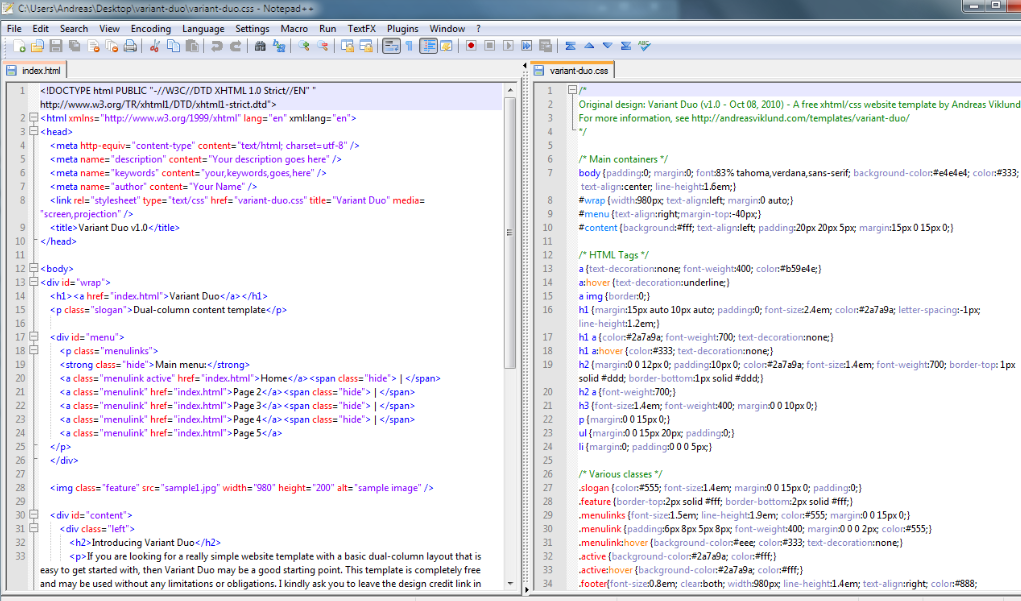 Notepad++[/caption]
Features:
- Lightweight text editor software
- Supports FTP and external plugin like Zen coding.
- Auto Indentation
- Support Drag and drop options
SUBETHAEDIT
Sub Etha Edit is a real time text editor, only available on Mac OS X. SubEthaEdit is popular main because of its collaborative editing features. The collaboration is document-based, non-locking, and non-blocking.
[caption id=“attachment_4805” align=“aligncenter” width=“614”]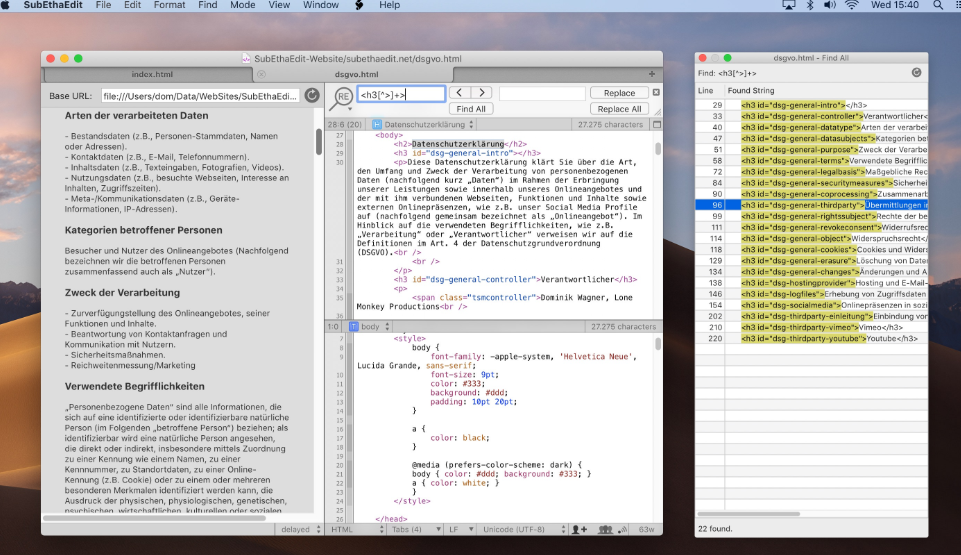 SubEthaEdit[/caption]
Features:
- Supports Unicode and character encoding
- Integrated regular expression search
- Customizable syntax highlight and full line ending.
- Live preview update rendering using WebKit.
ULTRAEDIT
Ultra Edit is one of the world best text editor for HTML, JavaScript, PHP, C/C++, Perl, and other programming languages. Though Ultra Edit is quite expensive text editor software, but trust you will fall in from the very first moment.
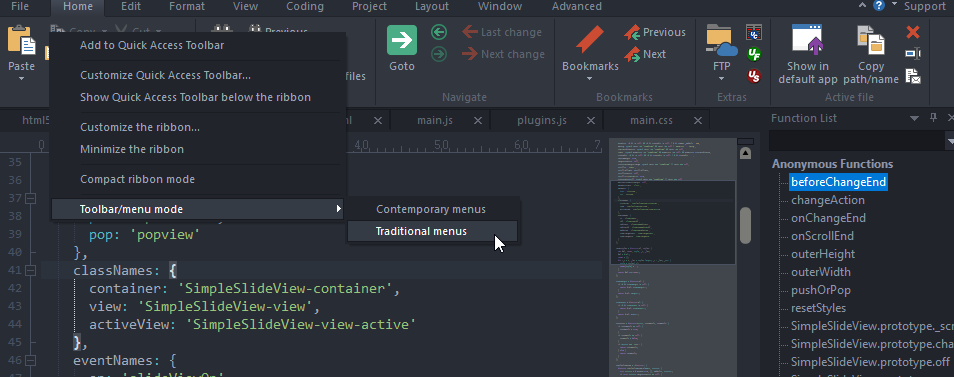
Features:
- Super fast find, replace and find in files
- Supports Customizable themes
- Easily handle large files - 4 GB and beyond.
- Awesome multi Selection option
- Supports multi-platform: Windows, Mac, and Linux
- Support command line, shell extension
VIM
Vim a highly configurable text editor for Unix system and it has been written in C. It is one of popular text editor for vi and Neovim is an extension of Vim.
[caption id=“attachment_4807” align=“aligncenter” width=“590”]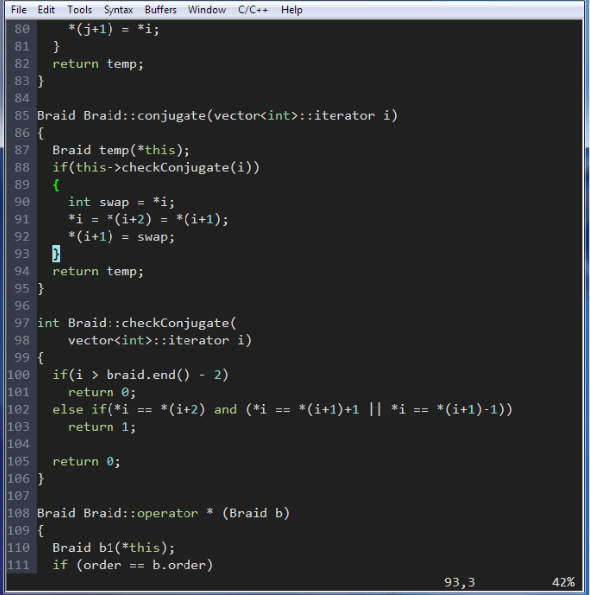 Vim[/caption]
Features:
- Support unicode and other multi languages.
- Syntax highlighting and spell checking options.
- Integrated gvim (Graphical user interface).
- Supports extended regular expressions
VISUAL STUDIO CODE
Visual Studio Code is a open source code editor created by Microsoft and it can be used on every operating system, such as Windows, Mac OS X, and Linux. Though most of people says it lightweight but to me its quite heavy text editor. But over all i like Visual Studio code, because it comes with built-in support for JavaScript, TypeScript and Node.js.
[caption id=“attachment_4808” align=“aligncenter” width=“659”]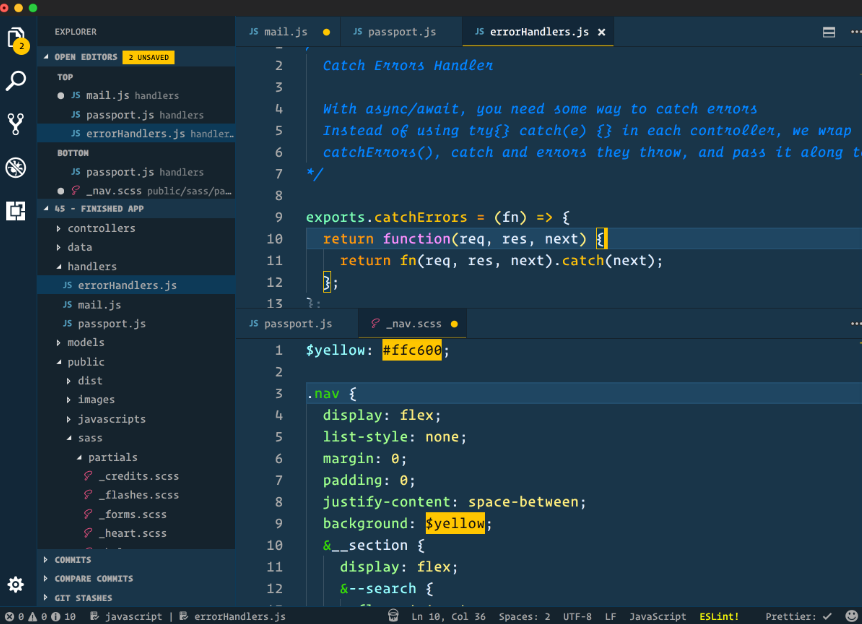 Visual Studio Code[/caption]
Features:
- Bras matching and code folding
- Supports syntax highlighting
- Supports more than 30 programming language
- Integrated Github supports to version control.
ARANEAE
Araneae text only support Windows operating system. You dont need extra extensions to work on HTML, CSS, XHTML, PHP, and Rails. Note that Araneae dont support macros.
[caption id=“attachment_4809” align=“aligncenter” width=“646”]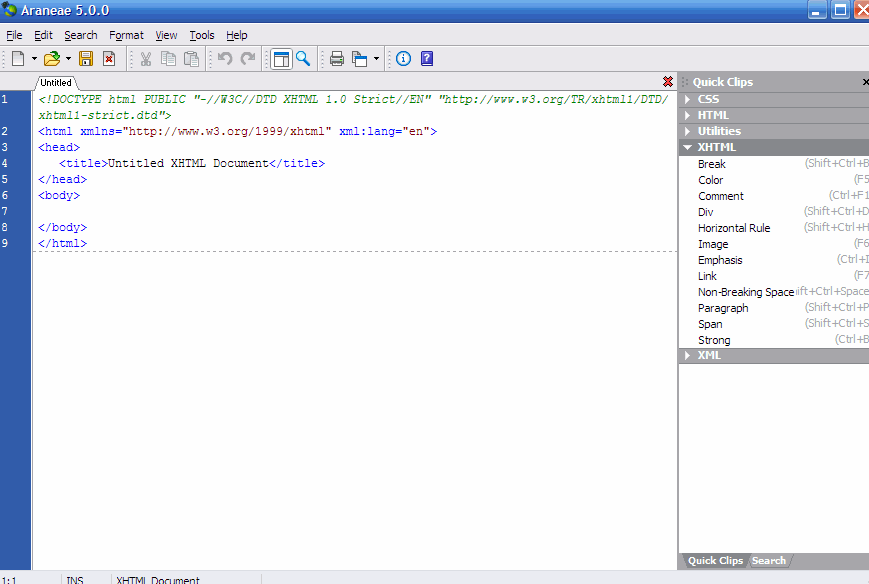 Araneae[/caption]
Features:
- Available multiple extensions
- Supports multi instance as in jEdit
- Syntax highlighting, search and replace options
ATOM
Atom is a hackable text editor and it is a open source text editor created by GitHub. Atom is like Sublime text editor but as a text editor, atom’s speed is very slow. I like Atom editors interface but because of its speed issue and complex settings options, I stopped to use it.
[caption id=“attachment_4810” align=“aligncenter” width=“579”]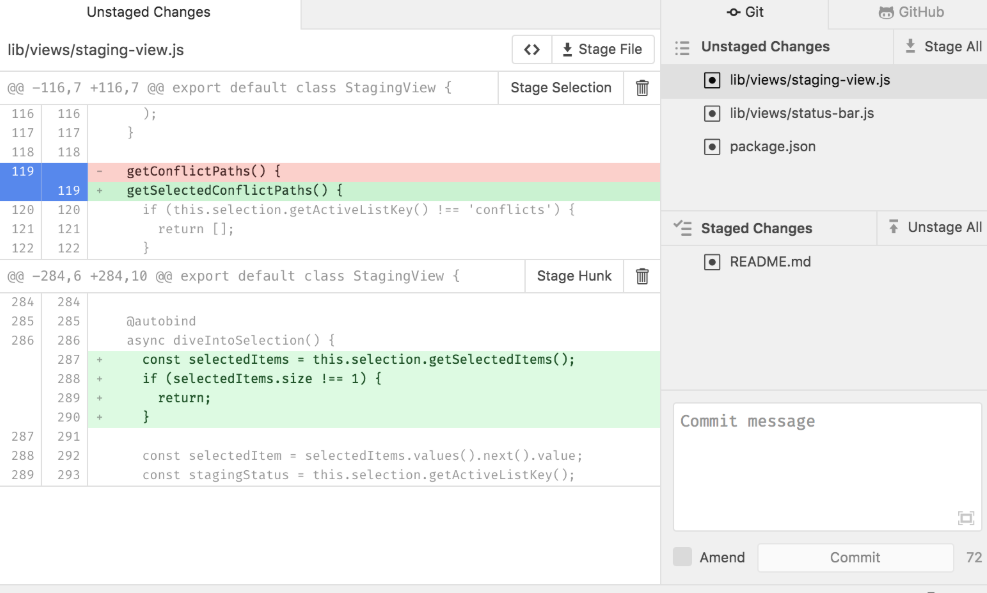 Atom[/caption]
Features:
- Split interface into multiple panes
- Smart auto completion
- Works across operating systems, such as OS X, Windows, or Linux.
- Integration with GitHub
ATPAD
ATPad is a free text editor and it has been written in pure C and Windows API. Interesting features of ATPad is, you dont need to install to use it. Note that, it dont have very advance features like others text editor.
[caption id=“attachment_4811” align=“aligncenter” width=“531”]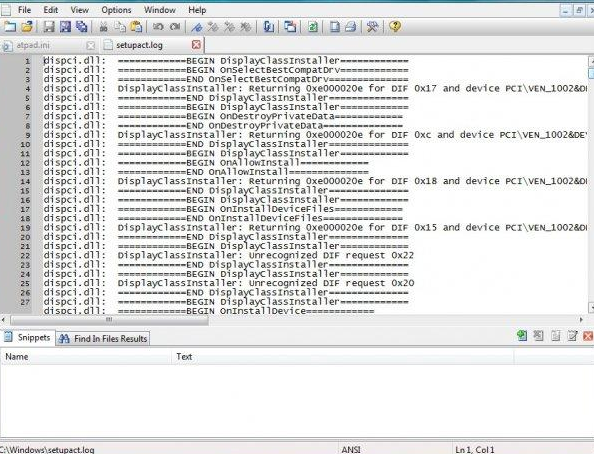 ATPad[/caption]
Features:
- Run from any drive.
- No need to install
- Supports text snippets
- Supports line numbering
BRACKETS
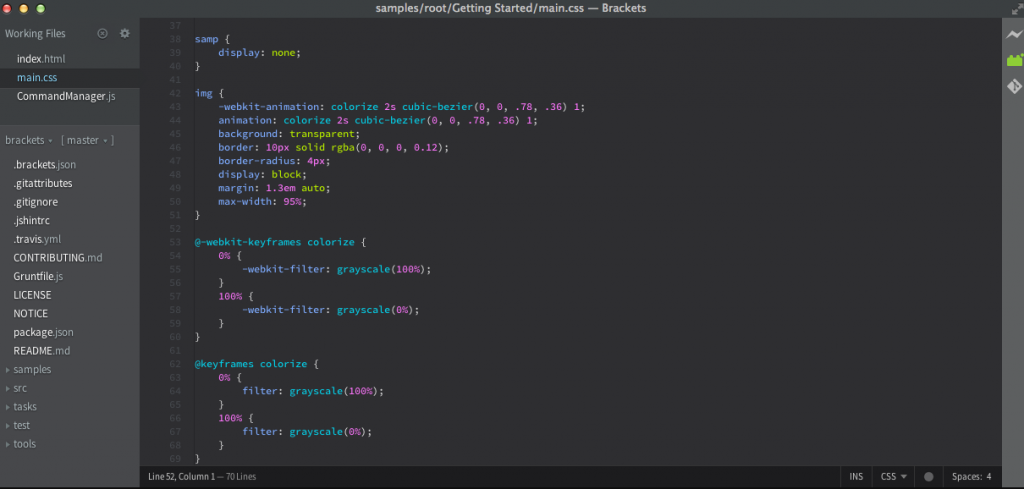
Brackets is an open source text editor, specially created for web design by Adobe. It is a powerful and lightweight text editor. If you are just start to learn coding, then Brackets is my recommended text editor for you.
Features:
- Best editor for JavaScript, HTML, and CSS
- Very easy to customize
- Available free extensions
- Live output preview
- Inline Editors and Preprocessor Support
CODA
Coda text editor is one of the best and popular text editor for Mac OS X. If you are Mac user and want to start web development, then code is best text editor software for you.
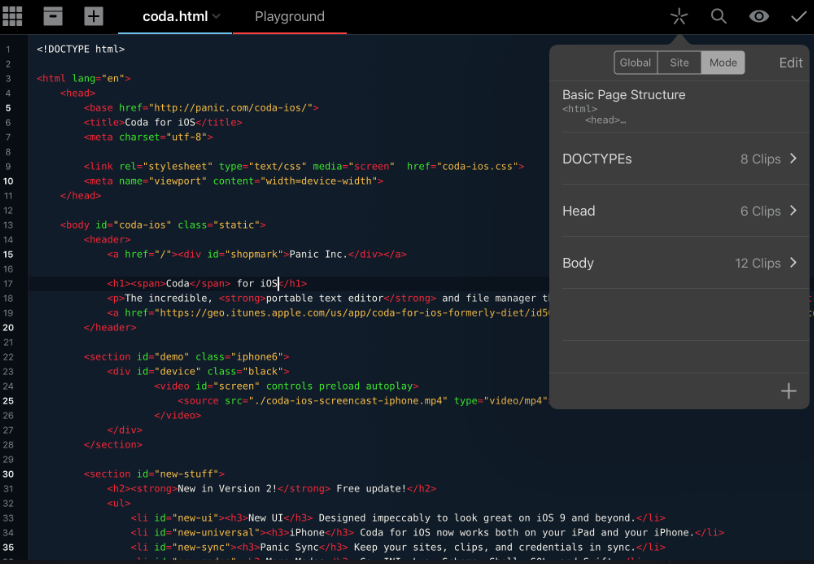
Features:
- Faster Syntax highlighting
- Site-wide autocomplete
- CSS Overriding and Local Indexing
- Leopard GUI and supports SSH
COFFEECUP
Coffeecup is a very lightweight free HTML editor. It supports all operating system including Windows and Mac. Coffeecup offers very basic features as the developer has some premium addons as well.
[caption id=“attachment_4814” align=“aligncenter” width=“589”]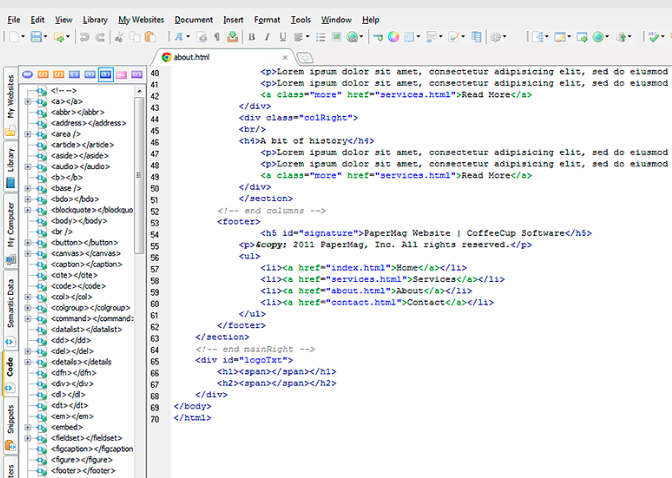 CoffeeCup[/caption]
Features:
- Easy and fast startup
- Syntax and code highlighting options
- Supports FTP
- Integrated code validation tools
I hope I covered almost all the best text editor for programming. I tried most of the text editor but not all of them. Right now I am using only three text editor, which are:
- Sublime Text 3
- UltraEdit Pro and
- Visual Studio Code
Most of the times I use Sublime text 3 but while I work on real big projects, UltraEdit is my best choice. And last few months I am working on developing my skills on ReactJs and VueJs. To work on ReactJs, I need NodeJs environment and to save my time now a days I am using Visual Studio code editor.
I am sure that from now, no one will ask me which text editor is best for programming. So, Choose the best editor according to your requirement. Happy Coding!
Join the Conversation
Have thoughts, questions, or a different take? I'd love to hear from you.
Powered by Giscus · Sign in with GitHub to comment. · Privacy policy