
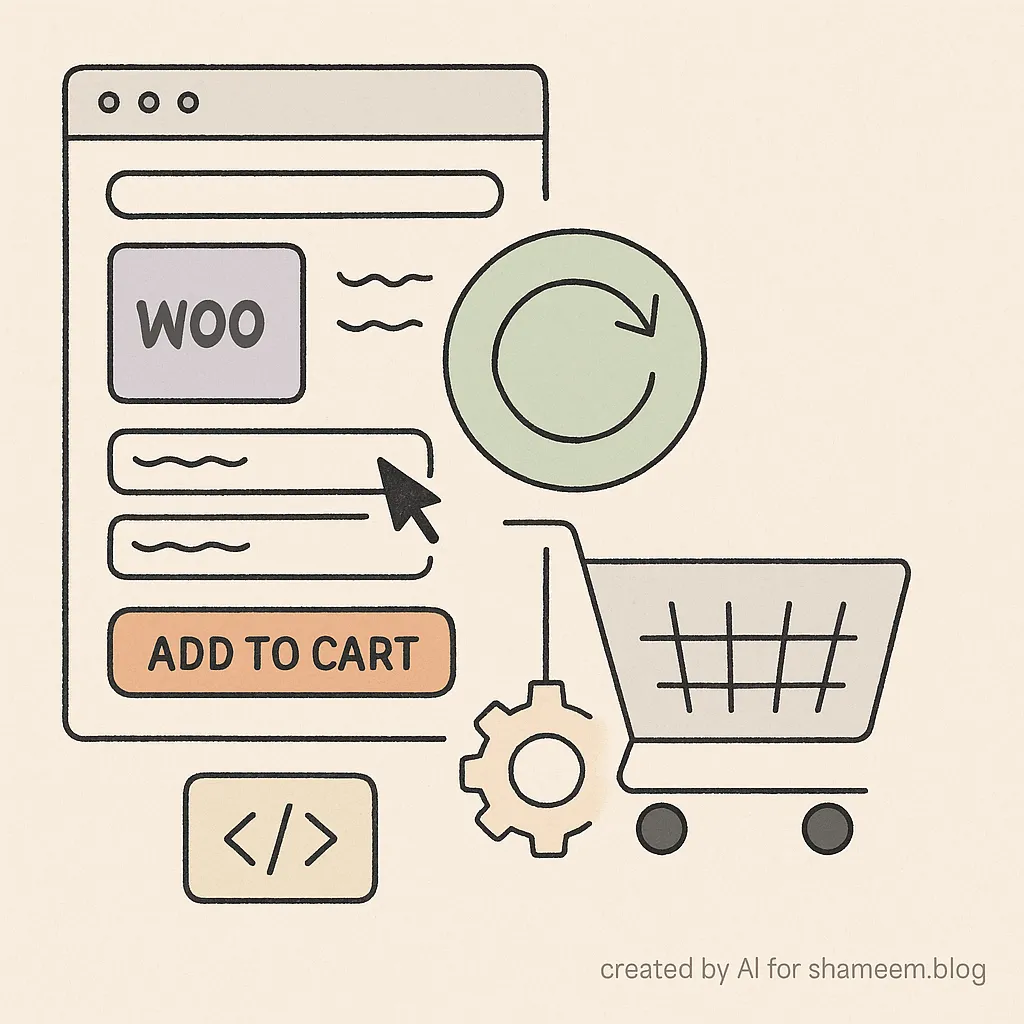
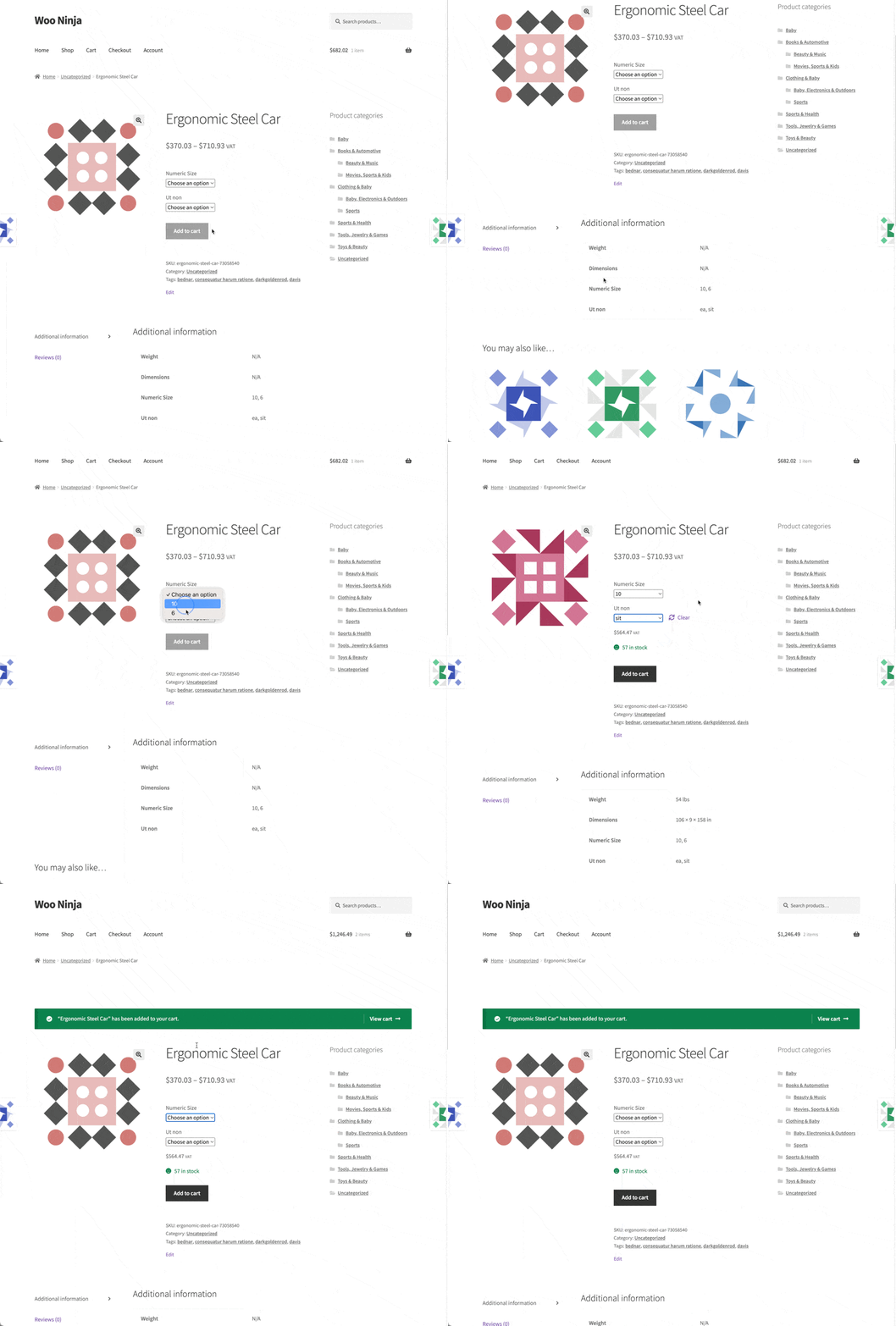
By default, WooCommerce doesn’t reset the selected variations on a variable product after you add it to the cart. If a customer chooses a size and color, clicks Add to Cart, and the product is added successfully, the variation fields remain selected.
That behavior can sometimes be confusing. A customer may not realize the product was already added, or may think they need to deselect variations manually before choosing another. For a smoother shopping experience, it makes sense to reset the variation options automatically after the product has been added to the cart.
The solutions?
Here’s a snippet that will handle this for you. It resets variation selections automatically, both for AJAX add-to-cart and for form submissions that reload the page.
/**
 * Reset variation selections after successful add to cart
 */
add_action( 'wp_footer', function() {
    if ( ! is_product() ) {
        return;
    }
    ?>
    <script type="text/javascript">
    jQuery(document).ready(function($) {
        // Function to reset variations
        function resetVariations() {
            var $form = $('form.variations_form');

            if ($form.length > 0) {
                // Method 1: Click the Clear link if it exists
                var $resetLink = $form.find('.reset_variations');
                if ($resetLink.length > 0 && $resetLink.is(':visible')) {
                    $resetLink.trigger('click');
                } else {
                    // Method 2: Manual reset
                    $form.find('.variations select').each(function() {
                        $(this).val('').trigger('change');
                    });
                    $form.trigger('reset_data');
                }
            }
        }

        // Listen for AJAX add to cart success
        $(document.body).on('added_to_cart', function(event, fragments, cart_hash, $button) {
            // Delay slightly to ensure the success message is shown first
            setTimeout(function() {
                resetVariations();
            }, 100);
        });

        // Also handle form submission for non-AJAX add to cart
        $('form.variations_form').on('submit', function(e) {
            var $form = $(this);
            // Set a flag to reset on page reload
            if (!e.isDefaultPrevented()) {
                sessionStorage.setItem('reset_variations', 'true');
            }
        });

        // Check if we need to reset after page reload
        if (sessionStorage.getItem('reset_variations') === 'true') {
            sessionStorage.removeItem('reset_variations');
            setTimeout(function() {
                resetVariations();
            }, 500);
        }
    });
    </script>
    <?php
});
How It Works
- Detects when a variable product is added to cart
Hooks into added_to_cart for AJAX.
2. Handles form submissions for non-AJAX.
3. Resets variation selections
If a Clear link is present, it triggers that automatically. 4. Otherwise, it resets the variation dropdowns manually. 5. Supports page reloads
Uses sessionStorage to detect if the product was added before reload, then clears variations once the page loads again.
Where to Add the Code
- Add it to your child theme’s functions.php file, or
- Use a plugin like Code Snippets to manage it safely.
What to Expect
After adding this snippet:
- When a customer adds a variable product to the cart, the selected options will automatically reset.
- This works both with AJAX add-to-cart and with page reload add-to-cart.
- It improves the flow, especially when customers want to add multiple variations of the same product quickly.
This small change makes WooCommerce variable products easier to shop with, avoiding confusion and creating a cleaner checkout flow.
Have you customized variation behavior in your store? Let me know in the comments.

Shameem Reza Happiness Engineer at Automattic
I fix WooCommerce problems for a living and review plugins for WordPress.org. Every fix here is tested on a clean site first.


No comments yet. Ask the first question.