
On this page
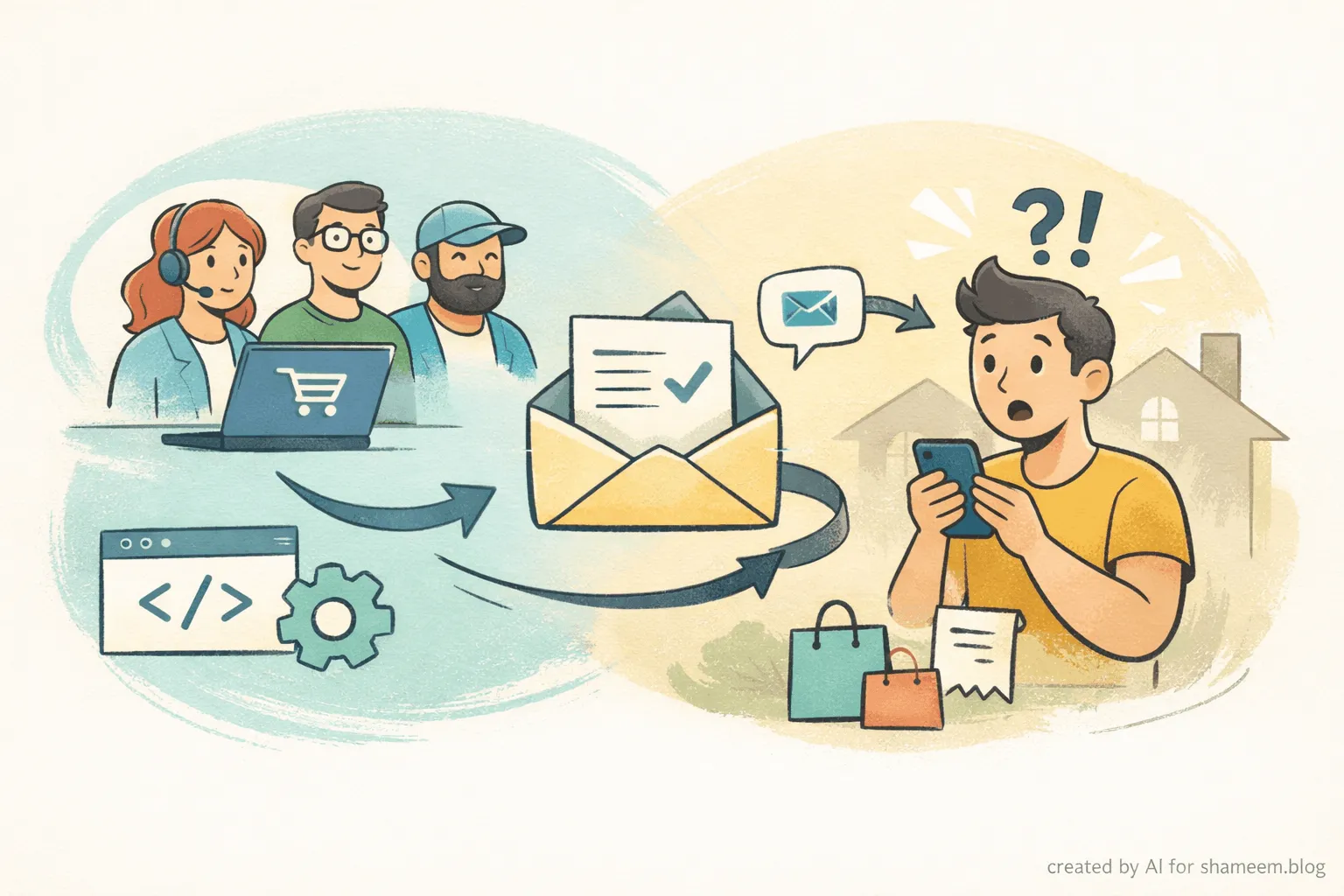
I got an interesting request earlier this week. A store owner had their WooCommerce New Order notification email set up to go to about a dozen team members. Sales, fulfillment, customer support. Everyone who needed to know about a new order was on the recipient list.
Everything worked. The emails arrived. The team was informed.
But when someone on the team hit Reply to discuss the order internally, the response went straight to the customer. Not to the team. Not to the admin inbox. Directly to the person who placed the order.
That caught me off guard at first. I figured it might be something in their email client or SMTP setup. But after looking closer, I realized this is default WooCommerce behavior.
Where does the Reply-To come from?
I went into the WooCommerce source to understand exactly what was happening. The answer lives in class-wc-email.php, inside the get_headers() method.
Here is the relevant section:
if ( in_array( $this->id, array( 'new_order', 'cancelled_order', 'failed_order' ), true ) ) {
    if ( $this->object && $this->object->get_billing_email() && ( $this->object->get_billing_first_name() || $this->object->get_billing_last_name() ) ) {
        $header .= 'Reply-to: ' . $this->object->get_billing_first_name() . ' ' . $this->object->get_billing_last_name() . ' <' . $this->object->get_billing_email() . ">\r\n";
    }
}
For three admin notification emails (New Order, Cancelled Order, and Failed Order), WooCommerce hardcodes the Reply-To to the customer’s billing email. There is no toggle to disable it. No setting in the admin panel.
The logic makes sense for a solo store owner. You get a new order, hit Reply, and you are talking to your customer. Quick and convenient.
But for a team, that convenience becomes a risk. Imagine someone replying with internal notes about inventory or pricing, and it lands in the customer’s inbox.
Finding the way in
After reading through the method, I noticed the final line before the headers are returned:
return apply_filters( 'woocommerce_email_headers', $header, $this->id, $this->object, $this );WooCommerce passes the full header string through the woocommerce_email_headers filter before the email gets sent. That is our hook. The headers are already built at that point, but we can modify them before they reach wp_mail().
So the plan was straightforward. Catch the filter, check if it is one of the three admin emails, strip the customer’s Reply-To, and replace it with the store’s own address.
The fix
Here is the snippet I put together after testing it across the full email flow:
/**
 * Remove the customer's billing email from the Reply-To header on admin
 * order notification emails (New Order, Cancelled Order, Failed Order)
 * so that replies stay within the store team.
 *
 * Replaces the Reply-To with the store's configured "Email from" address
 * from WooCommerce > Settings > Emails > Email sender options.
 *
 * Requires WooCommerce 3.7+.
 *
 * @since 1.0.0
 *
 * @param string        $header   Email headers.
 * @param string        $email_id Email ID (e.g. 'new_order').
 * @param WC_Order|null $order    The order object, or null if unavailable.
 * @param WC_Email      $email    The email class instance.
 * @return string Modified email headers.
 */
function custom_remove_customer_reply_to( $header, $email_id, $order, $email ) {
	$admin_email_ids = array( 'new_order', 'cancelled_order', 'failed_order' );

	if ( ! in_array( $email_id, $admin_email_ids, true ) ) {
		return $header;
	}

	$header = preg_replace( '/^Reply-to:.*(\r\n|\r|\n|$)/im', '', $header );

	$from_name  = $email->get_from_name();
	$from_email = $email->get_from_address();

	if ( $from_name && $from_email ) {
		$header .= 'Reply-to: ' . $from_name . ' <' . $from_email . ">\r\n";
	}

	return $header;
}
add_filter( 'woocommerce_email_headers', 'custom_remove_customer_reply_to', 10, 4 );
How it works
The snippet listens on woocommerce_email_headers and checks the email ID. If it matches one of the three admin notifications, it uses a regex to strip the existing Reply-To line. Then it sets a new Reply-To pointing to the store’s “Email from” address. That is the one you configure under WooCommerce > Settings > Emails > Email sender options.
After that, when any team member hits Reply on an order notification, the response goes to the store email. Not to the customer.
Where to add this code
You have a few options:
- Code snippets plugin: Something like SnipDrop is the cleanest way to manage it.
- Custom plugin: A small standalone plugin file. Good if you use version control.
- Child theme’s functions.php: Fast to set up, but easy to lose during theme updates.
What this covers
The fix targets all three admin notification emails that share the hardcoded Reply-To behavior:
- New Order
- Cancelled Order
- Failed Order
Customer-facing emails like order confirmation, processing, and completed order are not touched. Their Reply-To follows separate logic inside WooCommerce.
What it does not change
- The email recipients stay the same. Your team still gets notified.
- The customer still receives their own order emails as usual.
- If WooCommerce’s Email Improvements feature is active, Cc and Bcc headers are preserved.
- SMTP plugins and transactional email services will respect the modified headers normally.
One thing to check
The store’s “Email from” address is what gets set as the new Reply-To. Make sure that address points to a mailbox someone on your team actually monitors. If it is set to something like noreply@yourstore.com, replies will not reach anyone.
You can verify this under WooCommerce > Settings > Emails at the top of the page where it shows “Email sender options.”
This was one of those cases where nothing is broken. WooCommerce is doing exactly what it was designed to do. It just does not fit every team’s workflow.
The good news is the fix is clean. One filter. No template overrides. No core edits. It stays safe through WooCommerce updates because it relies on a filter that has been part of the codebase for years.
If your store has multiple people on the New Order notification list and you want replies to stay internal, this should handle it. And if you run into anything unusual with your particular email setup, feel free to reach out.
Happy to take a look.

Shameem Reza Happiness Engineer at Automattic
I fix WooCommerce problems for a living and review plugins for WordPress.org. Every fix here is tested on a clean site first.

No comments yet. Ask the first question.