
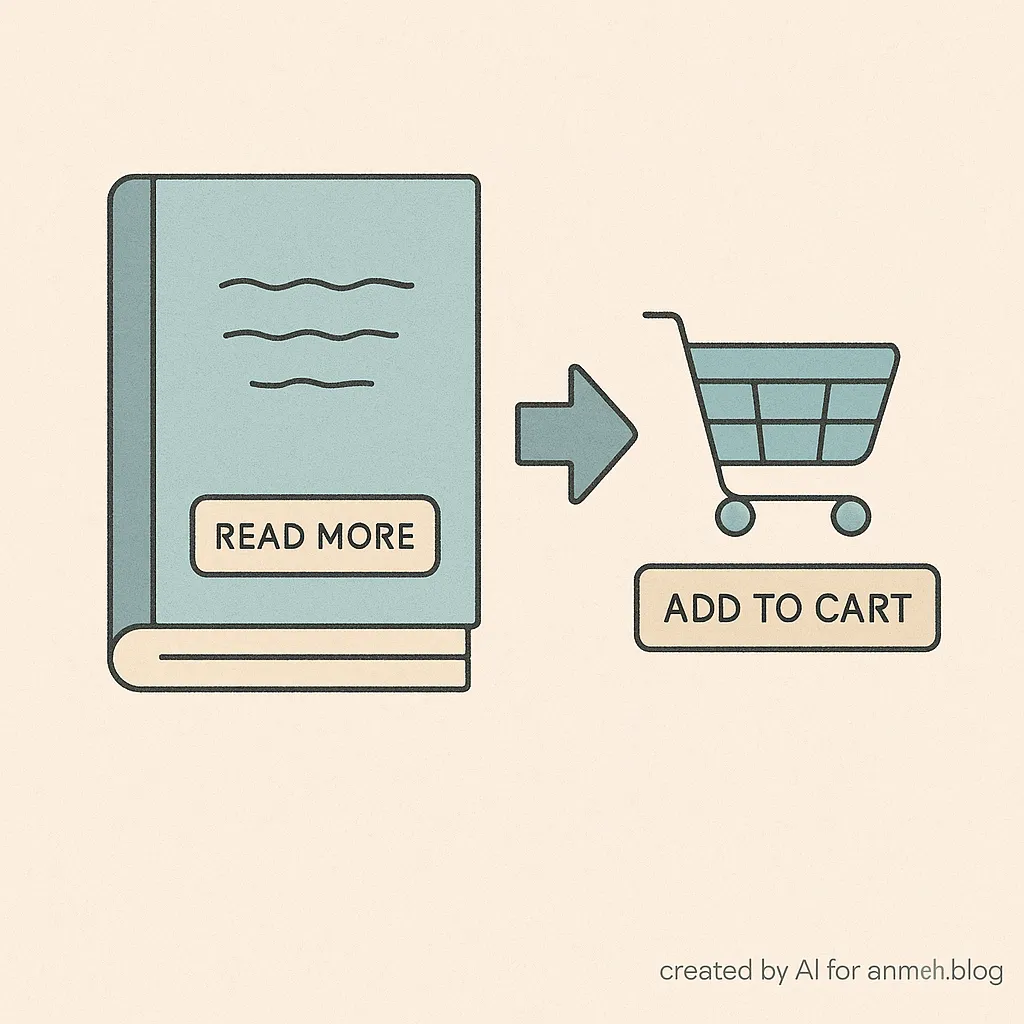
If you’ve ever used, or worked with WooCommerce Bookings, you’ve probably noticed that bookable products don’t show the usual Add to Cart button. Instead, they show a Read More.
That behavior is by design. Bookable products require extra input from customers, things like a date, time, or resource selection. Since the product can’t be purchased without those details, WooCommerce shows Read More and directs the user to the product page, where the booking form is available.
But what if you’d rather show Add to Cart instead of Read More? While the button will still send customers to the product details page, you may prefer the consistency of having all products show Add to Cart.
Here’s a simple snippet to make that change:
add_filter('woocommerce_product_add_to_cart_text', function($text, $product) {
     if ($product->get_type() === 'booking') {
       return __('Add to Cart', 'woocommerce');
     }
     return $text;
   }, 10, 2);
How this works
This filter checks the product type. If the product is a booking, it replaces the default Read More text with Add to Cart. For all other products, WooCommerce keeps the usual button text.
It’s important to note that this change only affects the label. Clicking Add to Cart for a bookable product will still take the customer to the booking form on the product page. That behavior doesn’t change, because the system still needs booking details to complete the purchase.
Where to add the code
You can add this snippet to:
- Your child theme’s functions.php file.
- Or, use a plugin like Code Snippets to manage it safely without editing theme files.
When to use this
This tweak makes sense if you want consistent button text across your store or if Read More confuses your customers. It keeps the booking flow intact but gives your catalog a cleaner, more uniform look.

Shameem Reza Happiness Engineer at Automattic
I fix WooCommerce problems for a living and review plugins for WordPress.org. Every fix here is tested on a clean site first.
No comments yet. Ask the first question.