
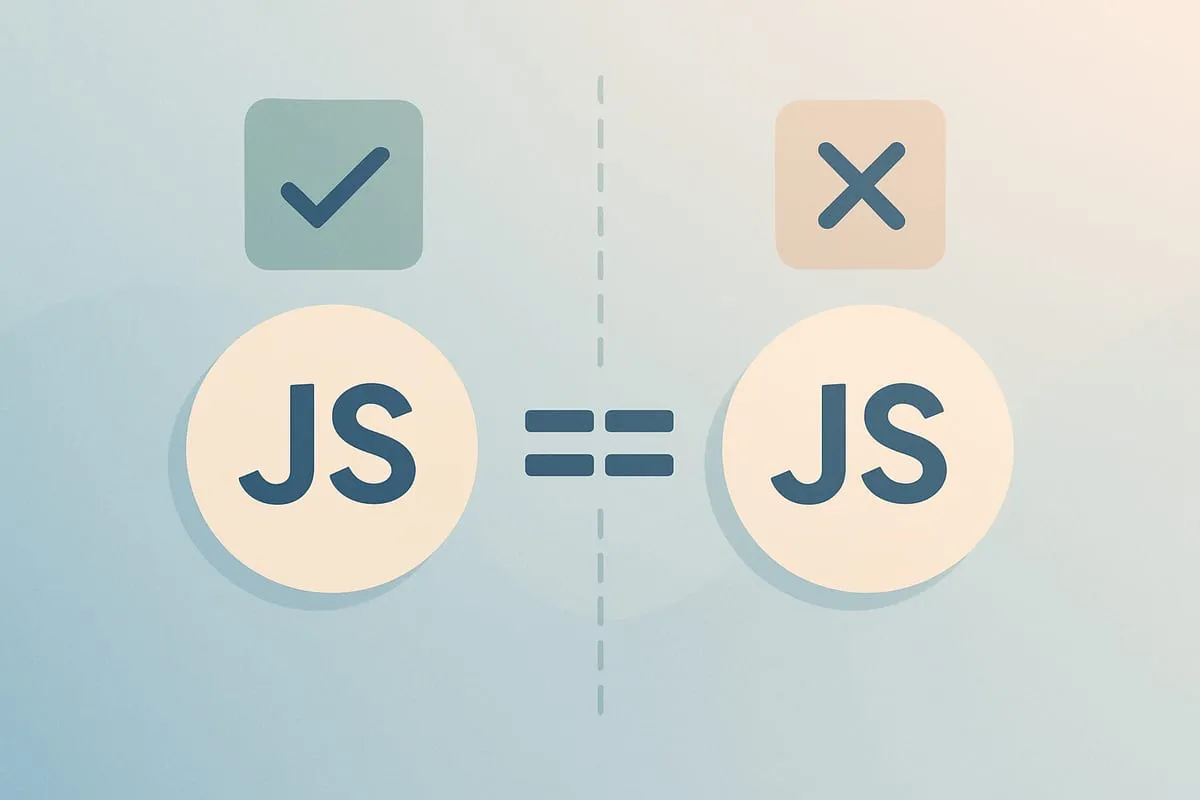
JavaScript has two equality operators that look almost identical but behave very differently: === (strict) and == (loose). Strict compares value and type. Loose compares value after coercing the types to match. The result is that 1 === "1" is false and 1 == "1" is true. That one-character difference can change how your code behaves, so it’s worth knowing exactly when to use each.
Strict equality (===)
Strict equality, also known as “triple equals”, compares both the value and the type of two operands. It returns true only if the operands are equal and of the same type.
1 === 1 // true
1 === "1" // false
Both operands in the first comparison are numbers with the same value, so it returns true. The second mixes a number and a string, so it fails the type check before the values are even looked at.
Loose equality (==)
Loose equality, also known as “double equals”, coerces the two operands to a common type first and then compares the values. That’s why the same comparison that failed above now passes:
1 == 1 // true
1 == "1" // true
The string "1" gets converted to the number 1 before the comparison happens. Coercion sounds convenient until you see what it does with empty strings, arrays, and booleans.
The equality table
Here are the comparisons that trip people up, side by side. Every row is something I’ve seen cause a real bug:
| Comparison | == |
=== |
|---|---|---|
1 == "1" |
true | false |
0 == "" |
true | false |
0 == "0" |
true | false |
"" == "0" |
false | false |
0 == false |
true | false |
"" == false |
true | false |
null == undefined |
true | false |
null == 0 |
false | false |
[] == "" |
true | false |
[] == 0 |
true | false |
NaN == NaN |
false | false |
Three rows are worth staring at. 0 == "" and 0 == "0" are both true, but "" == "0" is false, so loose equality isn’t even transitive. null == undefined is true while null == 0 is false, which is the one case where coercion is deliberately useful. And NaN isn’t equal to anything, including itself, under either operator. Use Number.isNaN() for that check.
If you want the full grid with every type combination, Dorey’s interactive equality table is the reference I keep going back to.
When to use each one
In general, it’s best to use strict equality whenever possible because it avoids the confusion that type coercion can cause. There are a few cases where loose equality is useful:
- When comparing a variable to
nullorundefined. - When comparing a variable that may be a string or a number.
// Use strict equality when comparing variables of the same type
let age = 25;
let legalAge = 21;
console.log(age === legalAge); // false

// Use loose equality when comparing variables that may be a string or a number
let input = "25";
let number = 25;
console.log(input == number); // true

// Use loose equality when comparing a variable to null or undefined
let name;
console.log(name == undefined); // true
A simple rule: default to ===. It’s predictable, it avoids the type coercion traps in the MDN sameness chart, and it makes your intent clear. Reach for == only when you genuinely need to treat string and number versions of the same value as equal, or when you want null and undefined to match in a single check. In JavaScript projects with a linter, eslint’s eqeqeq rule will flag every == for you, which is a good safety net.

Shameem Reza Happiness Engineer at Automattic
I fix WooCommerce problems for a living and review plugins for WordPress.org. Every fix here is tested on a clean site first.


No comments yet. Ask the first question.