
On this page
If you’ve ever worked on a web project, you’ve almost certainly written JavaScript. It’s been the default scripting language of the web for decades, for a good reason: it runs natively in every browser and needs no build step.
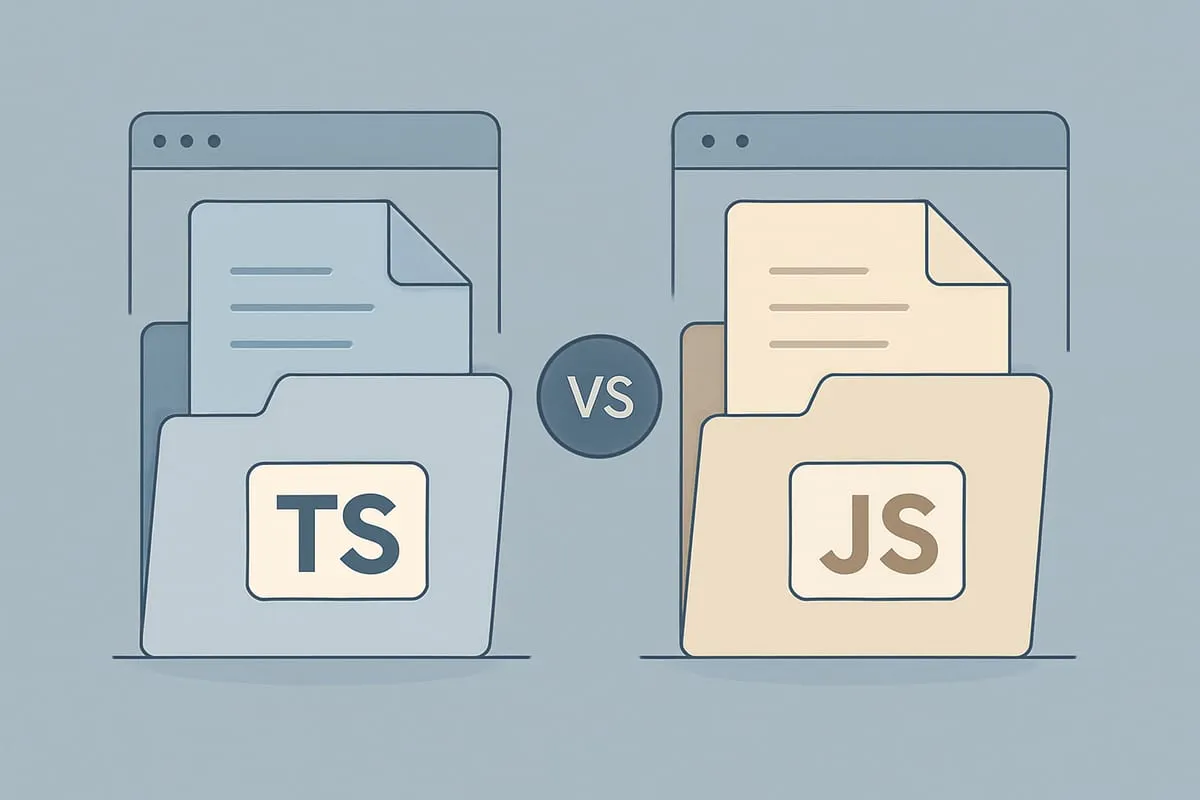
TypeScript is what happens when JavaScript grows up for large codebases. Microsoft released it in 2012 after hitting the limits of plain JavaScript on internal projects at that scale. It’s a superset of JavaScript with optional static typing bolted on, which means any valid JavaScript program is also a valid TypeScript program. You get to layer in types where they help and leave the rest alone.
In short: JavaScript plus a type layer equals TypeScript.
So if you save your JavaScript (.js) file with a TypeScript (.ts) extension, it will work fine. But that doesn’t mean the two languages are interchangeable. The differences show up the moment you try to use TypeScript’s features, or run into the rules it enforces.
Before getting into the differences, here’s what each language actually is.
JavaScript
JavaScript, often shortened to JS, is a scripting language that follows the ECMAScript specification. It’s compiled just in time, right before the browser runs it, not ahead of time.
It has dynamic typing, curly-brace syntax, first-class functions, and prototype-based objects. Alongside HTML and CSS, it’s one of the three core technologies of the web.
Every modern browser ships a dedicated JavaScript engine (V8 in Chrome, SpiderMonkey in Firefox, JavaScriptCore in Safari) because almost every interactive website depends on it. That same engine is also what makes server-side JavaScript possible through Node.js, Deno, and Bun.
JavaScript is multi-paradigm. It supports imperative, event-driven, and functional styles. The standard library covers dates, text, data structures, the DOM, and regular expressions. A handful of other languages compile down to it, including TypeScript, CoffeeScript, Dart, and Kotlin/JS. Those same engines also power desktop and mobile apps built with Electron, React Native, and Capacitor.
Advantages of JavaScript
JavaScript fits small projects and quick prototypes well. You can drop a <script> tag on a page and ship, no build step required. The library ecosystem is the largest on the web, and every browser runs JavaScript natively.
TypeScript adds tooling overhead. You need a compiler, a tsconfig.json, and declaration files for any library that doesn’t ship its own. For a throwaway script or a small embed, that ceremony isn’t worth it.
TypeScript
TypeScript is an open-source programming language maintained by Microsoft. It’s a syntactic superset of JavaScript with optional static typing, built to make large codebases easier to reason about. Everything in TypeScript ultimately compiles down to plain JavaScript.
Any valid JavaScript program is also a valid TypeScript program. You can use it on the client, on the server with Node, or anywhere else JavaScript runs.
You have options for compiling. The official TypeScript compiler (tsc) is the default, but Babel can handle the transformation too if you already have it in your build.
TypeScript uses declaration files (.d.ts) to describe the shape of existing JavaScript libraries, similar in spirit to C++ header files. That’s how a plain JavaScript library like jQuery, D3, or lodash can be used from TypeScript with full type information. DefinitelyTyped hosts community-maintained declarations for most popular packages, and many libraries now ship their own.
The TypeScript compiler itself is written in TypeScript and licensed under Apache 2.0.
Advantages of TypeScript
TypeScript pays off on larger projects and teams. Interfaces, generics, and access modifiers make the contract between modules explicit, which matters when more than one person is editing the same code.
If you work in React, Next.js, or Vue, TypeScript’s type definitions plus editor autocomplete let you explore an API without flipping back to the docs for every prop. Refactors also get safer, since renaming a field surfaces every call site that’s now broken before you even run the code.
The real win is catching bugs at compile time that JavaScript would only catch at runtime. Typos in property names, wrong argument types, forgotten null checks. Most of those just stop happening once types are in place.
What are the differences between TypeScript and JavaScript?
Type system and data modeling
This is the core difference. TypeScript’s type system is expressive: union types, intersection types, discriminated unions, mapped types, and conditional types. You describe the shape of your data with interface and type, and the compiler enforces it across the whole codebase.
JavaScript has none of that. You describe data in comments, or not at all, and hope the shape stays consistent. A whole category of runtime bugs, typos in property names, wrong argument types, forgotten null checks, surprises from loose equality coercion, just stop happening once types are in place.
TypeScript also has strong inference, so you don’t annotate every variable. You mostly annotate function parameters, return types, and object shapes.
Build step and tooling
TypeScript has a compile step. JavaScript doesn’t. That’s the main tooling difference and the main reason to skip TypeScript on small projects. For a prototype or a single-file script, a tsconfig.json plus declaration files is more setup than the payoff justifies.
Most popular npm packages now ship TypeScript definitions out of the box, and the ones that don’t usually have a @types/* companion on DefinitelyTyped. So once you’re set up, the type layer mostly takes care of itself.
Where they run
Both run on the client and the server. In practice, TypeScript shows up most often in front-end and full-stack work (React, Next.js, Vue), while plain JavaScript is still everywhere on the server with Node, in browser consoles, and in quick embeds where a build step would be overkill.
Learning curve and community
JavaScript is easier to pick up. The syntax is forgiving, the feedback loop is fast, and the community is larger by a wide margin, since every TypeScript user is also a JavaScript user.
TypeScript takes longer because you’re learning the type system on top of the language. Once it clicks, the editor starts helping you in ways plain JavaScript never will. TypeScript is now the default in most new full-stack and front-end projects, so that overlap keeps growing.
Which one should you pick?
For small or short-lived projects, plain JavaScript is usually enough. It runs directly in the browser, needs no compile step, and has the largest library ecosystem. If the project is a single-page app, a prototype, or a small script, the TypeScript setup cost outweighs the gains.
For bigger projects with multiple developers, TypeScript pays for itself quickly. Static typing catches a class of bugs at compile time, makes refactoring safer, and serves as inline documentation when you come back to the code months later. Most modern React, Next.js, and Node setups already use it by default.
The honest answer is that “TypeScript vs JavaScript” isn’t really a competition. TypeScript is JavaScript with a type layer on top. Every .ts file compiles down to .js, and every .js file is a valid .ts file if you accept implicit any. Pick based on project size, team familiarity, and whether the upfront tooling is worth it for what you’re building.

Shameem Reza Happiness Engineer at Automattic
I fix WooCommerce problems for a living and review plugins for WordPress.org. Every fix here is tested on a clean site first.


No comments yet. Ask the first question.